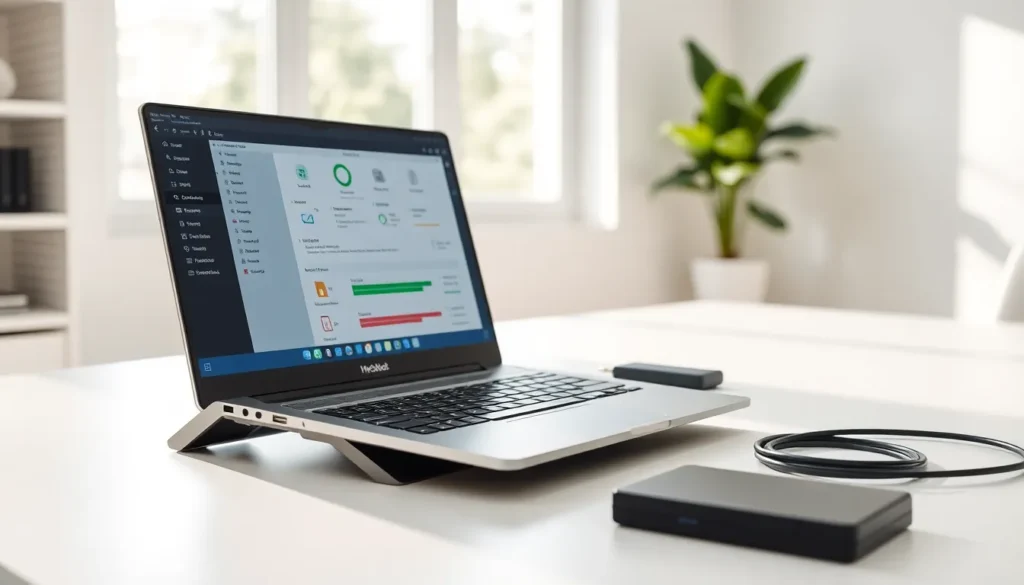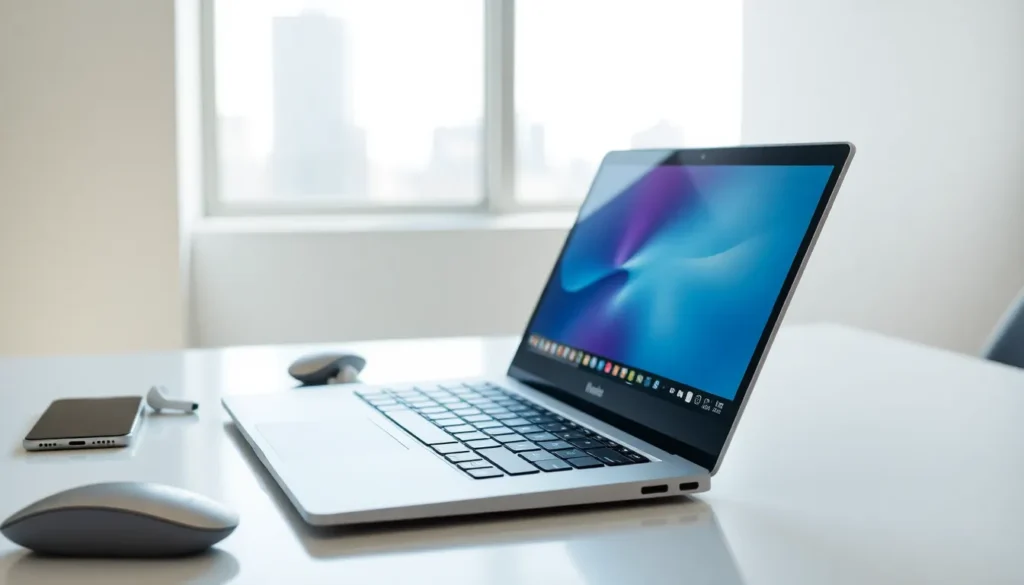

A laptop is a portable computer that combines a screen, keyboard, trackpad, and battery into a single compact device. Unlike desktop computers, laptops allow users to work, browse, and create from almost anywhere. They have become essential tools for students, professionals, and casual users alike.
This guide explains what laptops are, how they function, and what makes them different from other computing devices. Readers will learn about key laptop components, various laptop types, and practical tips for choosing the right model.
Key Takeaways
- A laptop is a portable computer that integrates a screen, keyboard, trackpad, and battery into one compact device for working anywhere.
- Key laptop components include the CPU, RAM, storage (SSD or HDD), display, and battery—each affecting overall performance and usability.
- Laptops come in various types such as ultrabooks, gaming laptops, business laptops, 2-in-1 convertibles, Chromebooks, and workstations to suit different needs.
- When choosing a laptop, match specs to your purpose: casual users can opt for entry-level models, while power users need faster processors and more RAM.
- Prioritize an SSD with at least 256GB storage and 8GB RAM for smooth everyday performance, upgrading if you handle large files or multitask heavily.
- Always read professional and user reviews to understand real-world laptop performance and potential issues before making a purchase.
How Laptops Work
Laptops operate much like desktop computers, but they pack all the necessary hardware into a smaller, portable form. The central processing unit (CPU) handles calculations and runs programs. The graphics processing unit (GPU) manages visual output and video rendering. Random access memory (RAM) stores data temporarily for quick access during active tasks.
When someone powers on a laptop, the operating system loads from the storage drive into RAM. The CPU then processes user commands, whether opening a browser, editing a document, or streaming video. The laptop’s display shows the results, while the keyboard and trackpad allow input.
Battery power sets laptops apart from desktops. A built-in rechargeable battery lets users work without being plugged in. Most modern laptops offer between 6 and 12 hours of battery life, depending on usage and screen brightness.
Laptops also include wireless connectivity features. Wi-Fi adapters connect to internet networks, while Bluetooth allows pairing with headphones, mice, and other accessories. Some laptops include cellular modems for mobile data access.
Cooling systems keep internal components from overheating. Fans and heat pipes move warm air away from the CPU and GPU. Thinner laptops may use passive cooling designs that rely on metal chassis to dissipate heat.
Key Components of a Laptop
Every laptop contains several core components that determine its performance and capabilities.
Processor (CPU)
The CPU acts as the laptop’s brain. Intel and AMD manufacture most laptop processors. Higher-end chips like Intel Core i7 or AMD Ryzen 7 handle demanding tasks such as video editing and gaming. Budget laptops typically use Intel Core i3 or AMD Ryzen 3 processors.
Memory (RAM)
RAM affects how many programs a laptop can run simultaneously. Most laptops ship with 8GB to 16GB of RAM. Users who multitask heavily or work with large files benefit from 16GB or more.
Storage
Laptops use either solid-state drives (SSDs) or hard disk drives (HDDs) for storage. SSDs are faster, quieter, and more durable than HDDs. A 256GB SSD provides adequate space for basic users, while content creators and gamers often need 512GB or 1TB.
Display
Screen size typically ranges from 11 inches to 17 inches. Resolution matters too, a 1080p (Full HD) display offers sharp visuals for most tasks. Creative professionals may prefer 4K displays for detailed color accuracy.
Battery
Battery capacity, measured in watt-hours (Wh), influences how long a laptop runs unplugged. Larger batteries add weight but extend usage time.
Ports and Connectivity
Modern laptops include USB-C, USB-A, HDMI, and headphone jacks. Some ultrabooks feature only USB-C ports, requiring adapters for older accessories.
Types of Laptops and Their Uses
Different laptop categories serve different needs. Choosing the right type depends on how someone plans to use the device.
Ultrabooks
Ultrabooks are thin, lightweight laptops built for portability. They typically weigh under 3 pounds and measure less than 0.7 inches thick. Business travelers and students often prefer ultrabooks because they fit easily into bags. The trade-off: limited ports and smaller screens.
Gaming Laptops
Gaming laptops feature powerful GPUs, high-refresh-rate displays, and advanced cooling systems. They handle graphically intensive games and creative applications. These laptops tend to be heavier and consume more battery power than other types.
Business Laptops
Business laptops prioritize security features, durability, and long battery life. Many include fingerprint readers, TPM chips for encryption, and spill-resistant keyboards. Brands like Lenovo ThinkPad and Dell Latitude dominate this category.
2-in-1 Laptops
Convertible laptops function as both laptops and tablets. Their screens either fold back 360 degrees or detach from the keyboard. Artists and note-takers appreciate the touchscreen and stylus support these devices offer.
Chromebooks
Chromebooks run Google’s Chrome OS instead of Windows or macOS. They rely on cloud-based applications and offer affordable pricing. Schools frequently provide Chromebooks to students because of their low cost and simple management.
Workstation Laptops
Workstation laptops deliver desktop-level performance for engineers, architects, and video editors. They include professional-grade GPUs, ECC memory options, and certified drivers for specialized software.
How to Choose the Right Laptop
Selecting the right laptop requires matching features to intended use. Here are the main factors to consider.
Define the Purpose
A student writing papers and browsing the web needs different specs than a video editor rendering 4K footage. Casual users can save money with entry-level laptops. Power users should invest in faster processors and more RAM.
Set a Budget
Laptop prices range from $200 Chromebooks to $3,000+ workstations. Most general-purpose laptops fall between $500 and $1,200. Setting a budget early helps narrow options quickly.
Consider Portability
Frequent travelers should prioritize weight and battery life. A 13-inch ultrabook weighing 2.5 pounds makes a better travel companion than a 6-pound gaming laptop. Those who mostly work from home can opt for larger screens and heavier builds.
Check the Display
Screen size and resolution affect comfort during long work sessions. A 15-inch laptop with 1080p resolution suits most users. Graphic designers and photographers may need higher resolution and color-accurate panels.
Evaluate Storage and Memory
An SSD makes everyday tasks feel faster. At minimum, buyers should look for 256GB of storage and 8GB of RAM. Anyone planning to store large files locally or run multiple applications needs 512GB or more and at least 16GB of RAM.
Read Reviews
Professional reviews reveal real-world performance, build quality, and potential issues. User reviews highlight common problems like keyboard feel or fan noise. Checking multiple sources provides a balanced view before purchasing a laptop.