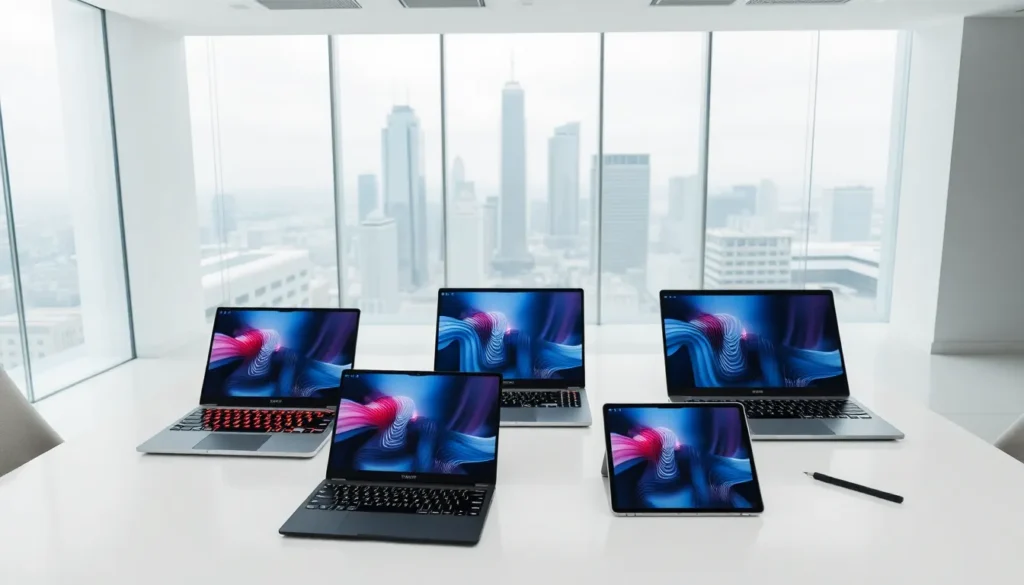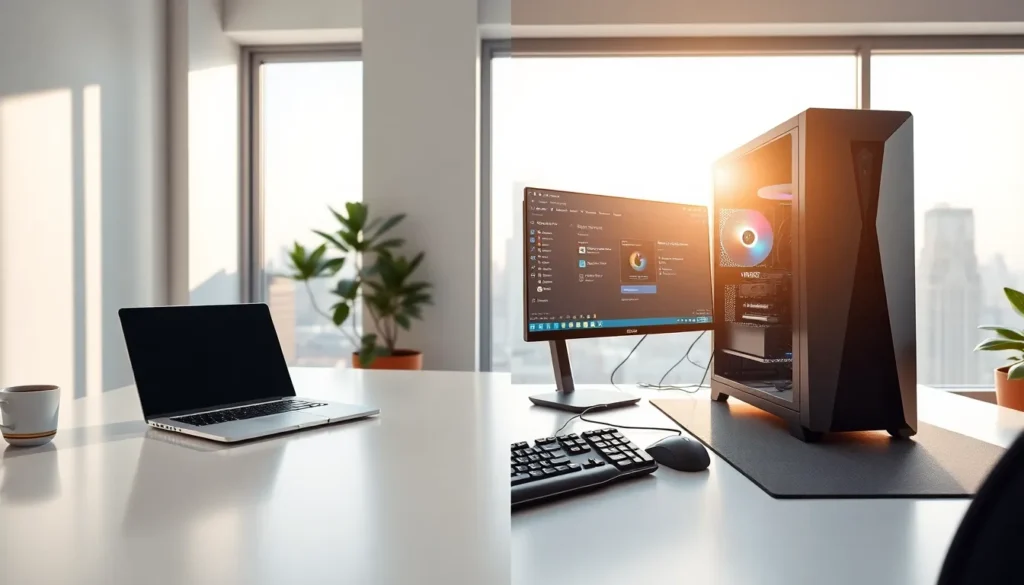

Laptops vs desktops remains one of the most common debates for anyone buying a computer. Both options offer distinct advantages depending on how and where people work. Laptops provide mobility and flexibility. Desktops deliver raw power and easy upgrades. The right choice depends on individual priorities, whether that’s gaming performance, office productivity, or working from coffee shops. This guide breaks down the key differences between laptops vs desktops across portability, performance, price, and upgradeability. By the end, readers will know exactly which option fits their lifestyle and budget.
Table of Contents
ToggleKey Takeaways
- Laptops vs desktops comes down to portability versus power—laptops offer mobility and all-in-one convenience, while desktops deliver superior performance and upgradeability.
- Desktops outperform laptops by 20-40% at the same price point, making them ideal for gamers, video editors, and power users.
- Laptops include built-in screens, keyboards, webcams, and batteries, eliminating the need for separate accessory purchases.
- Desktop components can be upgraded over 7-10 years, while laptops typically need full replacement after 4-6 years.
- For everyday tasks like browsing, streaming, and document editing, laptops vs desktops perform nearly identically.
- Choose based on your priorities: pick a laptop for flexibility and remote work, or a desktop for maximum value and future-proof upgrades.
Portability and Convenience
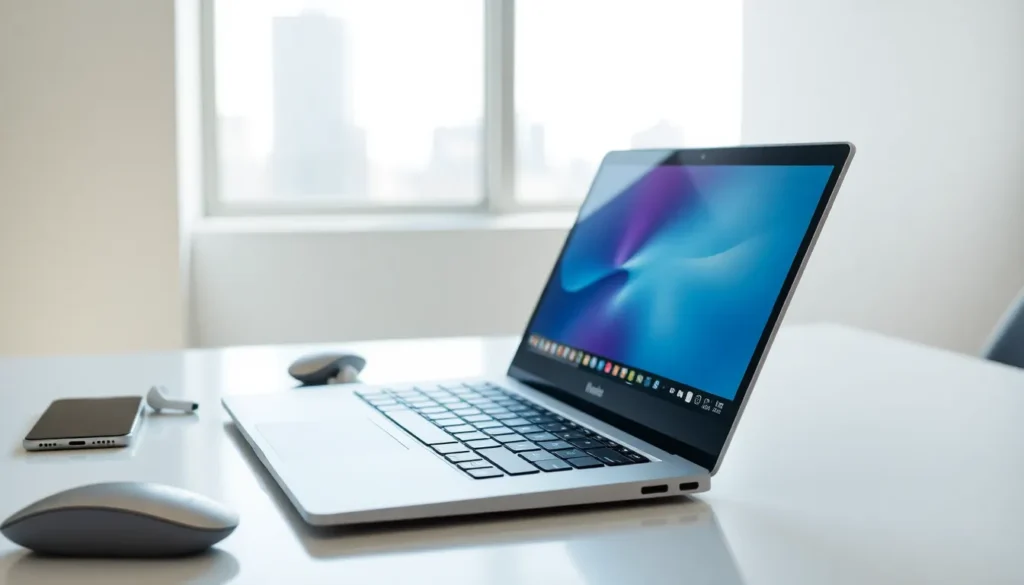
Laptops win the portability battle, there’s no contest. A laptop fits into a backpack and works anywhere with a power outlet or charged battery. Students carry them to lectures. Remote workers bring them to cafes. Business travelers take them on flights. The all-in-one design means no separate monitor, keyboard, or mouse to transport.
Desktops, by comparison, stay in one place. They require a dedicated desk, chair, and setup. Moving a desktop means disconnecting cables, packing a tower, monitor, and peripherals, and reassembling everything at the new location. Most people don’t bother.
That said, laptops vs desktops isn’t just about mobility. Convenience matters too. Laptops offer built-in webcams, microphones, and speakers, everything needed for video calls right out of the box. Desktops typically require purchasing these accessories separately.
Battery life gives laptops another edge. Modern laptops run 8-12 hours on a single charge. Users can work during power outages or in places without outlets. Desktops shut down the moment electricity cuts out.
For anyone who values flexibility and movement, laptops provide clear advantages over stationary desktops.
Performance and Power
Desktops dominate performance comparisons. Their larger cases accommodate bigger cooling systems and full-size components. This translates to faster processors, more powerful graphics cards, and better thermal management under heavy loads.
Gamers and video editors often prefer desktops for this reason. A desktop GPU can outperform laptop equivalents by 20-40% at the same price point. Desktop CPUs run at higher clock speeds without throttling from heat. The performance gap becomes obvious during demanding tasks like 4K video rendering or playing AAA games at maximum settings.
Laptops have closed the gap significantly in recent years. High-end laptops vs desktops now show smaller performance differences than ever before. Apple’s M-series chips and AMD’s Ryzen mobile processors deliver impressive results in thin, portable machines. Many professionals complete serious work on laptops without issue.
But, thermal limits still constrain laptops. Compact designs mean less room for heat dissipation. Under sustained heavy use, laptops often reduce performance to prevent overheating. Desktops rarely face this problem.
For everyday tasks, web browsing, document editing, streaming videos, laptops vs desktops perform nearly identically. The performance advantage matters most for power users pushing hardware to its limits.
Price and Value Considerations
Desktops typically offer better value per dollar. The same budget buys more computing power in a desktop than a laptop. A $1,000 desktop outperforms a $1,000 laptop in most benchmarks. The price difference becomes more dramatic at higher performance tiers.
Laptops cost more because manufacturers must engineer components into compact, lightweight packages. Miniaturization adds expense. Batteries, screens, keyboards, and trackpads increase the total cost compared to a desktop tower alone.
Buyers should consider total ownership costs when comparing laptops vs desktops. Desktop purchases require additional spending on monitors, keyboards, mice, and sometimes webcams. These extras can add $200-500 to the initial investment. Laptops include everything in one price.
Repair costs differ too. Desktop components are standardized and replaceable. A broken graphics card costs $200-600 to replace. Laptop repairs often require specialized parts and professional service, sometimes costing as much as a new machine.
Budget-conscious buyers who need maximum performance should lean toward desktops. Those who prioritize convenience and bundled features may find laptops worth the premium.
Upgradeability and Longevity
Desktops excel at upgradeability. Users can swap out nearly every component over time. A five-year-old desktop becomes current again with a new graphics card and some additional RAM. This extends useful life and spreads costs across many years.
Laptops offer limited upgrade options. Most allow RAM and storage upgrades, but GPUs, CPUs, and screens are permanently installed. Once these components become outdated, the entire laptop needs replacement. Some modern laptops solder RAM directly to the motherboard, eliminating even basic upgrades.
The laptops vs desktops longevity question matters for long-term planning. A well-maintained desktop can remain useful for 7-10 years with periodic upgrades. Laptops typically last 4-6 years before performance or battery degradation forces replacement.
Repairability favors desktops as well. Standard components mean any technician can fix common problems. Laptop repairs require model-specific parts that may become unavailable after a few years.
Anyone planning to keep their computer for many years should consider a desktop. The ability to upgrade individual components provides flexibility laptops simply cannot match.
Which Option Suits Your Needs Best?
The laptops vs desktops decision comes down to personal priorities and use cases.
Choose a laptop if:
- Mobility matters for work or study
- Space is limited at home
- Video calls and remote work are frequent
- Moderate computing power meets all needs
- An all-in-one solution appeals more than assembling components
Choose a desktop if:
- Maximum performance is the priority
- Gaming or content creation requires powerful hardware
- Budget constraints demand the best value per dollar
- Future upgrades seem likely
- A dedicated workspace already exists
Some users buy both, a desktop for home and a laptop for travel. This combination offers the best of both worlds but doubles the expense.
Hybrid solutions exist too. Gaming laptops provide desktop-class power in portable form, though at premium prices. Mini PCs offer desktop upgradeability in smaller packages. External GPU enclosures let laptop users connect desktop graphics cards when needed.
Most people find one option clearly fits better. Think about where computing happens, what tasks matter most, and how long the machine should last. The answer usually becomes obvious.